

Ever notice that your energy drops, your mood changes, or your sex drive feels different at certain times of the month? A period tracking app can help you see whether those changes follow a pattern.
The best period tracking apps do more than predict your next period. Apps like Clue, Flo, Bearable, and Embody let you record symptoms, mood, sleep, and other details. Over time, these entries can help you understand your personal patterns and prepare for conversations with your doctor.
But not every app does the same job. Some focus on fertility, while others are better for privacy, chronic symptoms, or everyday wellness. This guide compares the main options, explains their limits, and helps you choose one that fits your needs.
Key Takeaways
- Track more than period dates: Mood, energy, libido, sleep, and pain logs can reveal patterns that a basic calendar might miss.
- Choose an app for your goal: Clue supports detailed cycle analysis, Flo offers broad reproductive health features, and Bearable focuses on symptom correlations.
- Privacy deserves attention: Embody uses local-first storage, while Flo offers Anonymous Mode with certain feature and recovery limitations.
- Predictions have limits: More consistent data can improve some estimates, but mood and energy changes cannot reliably identify ovulation.
- Most trackers are not birth control: Natural Cycles has FDA clearance for contraceptive use, but ordinary period prediction apps should not be used to prevent pregnancy.
Why Track Mood, Energy, and Libido Alongside Your Period?
Your menstrual cycle involves changing hormone levels, including estrogen and progesterone. These changes can affect how some people feel, but the experience is different for everyone.
For example, you might notice lower energy before your period, more headaches during certain days, or changes in your interest in sex. Tracking these experiences helps you see whether they repeat or happen for unrelated reasons.

What Can Daily Tracking Reveal?
One difficult day doesn’t tell you much. Several weeks of records give you more context.
Consider someone who records low energy for a few days before each period. After three cycles, they may notice that the pattern keeps returning. They can then plan more flexibility during those days instead of assuming their energy will always stay the same.
Useful details to record include:
- Mood: Irritability, sadness, anxiety, calmness, or positive feelings.
- Energy: Whether you feel tired, average, or energetic.
- Libido: Changes in sexual interest, without treating any level as abnormal by itself.
- Sleep: Hours slept, sleep quality, and nighttime interruptions.
- Physical symptoms: Cramps, headaches, bloating, breast tenderness, or other discomfort.
- Daily context: Stress, exercise, medications, and major routine changes.
These details can also help you decide when to adjust your routine. For example, you might choose a gentler workout when cramps are uncomfortable. Our guide to cycle-aware workout planning explains how to make those adjustments without following rigid hormone-based rules.
How Can Tracking Help During Doctor Visits?
Symptom records are especially useful when problems happen repeatedly. Instead of trying to remember every difficult day, you can show your clinician when symptoms started, how long they lasted, and how they affected your life.
The American College of Obstetricians and Gynecologists (ACOG) recommends recording symptoms over multiple cycles when evaluating premenstrual syndrome (PMS).
Tracking can support a medical evaluation, but an app cannot diagnose PMS, premenstrual dysphoric disorder (PMDD), endometriosis, or a hormonal imbalance.
What Features Matter Most in a Period Tracking App?
A useful app should make daily tracking simple while giving you enough detail to understand changes over time.
You don’t need every feature available. Choose the ones that help answer your questions.
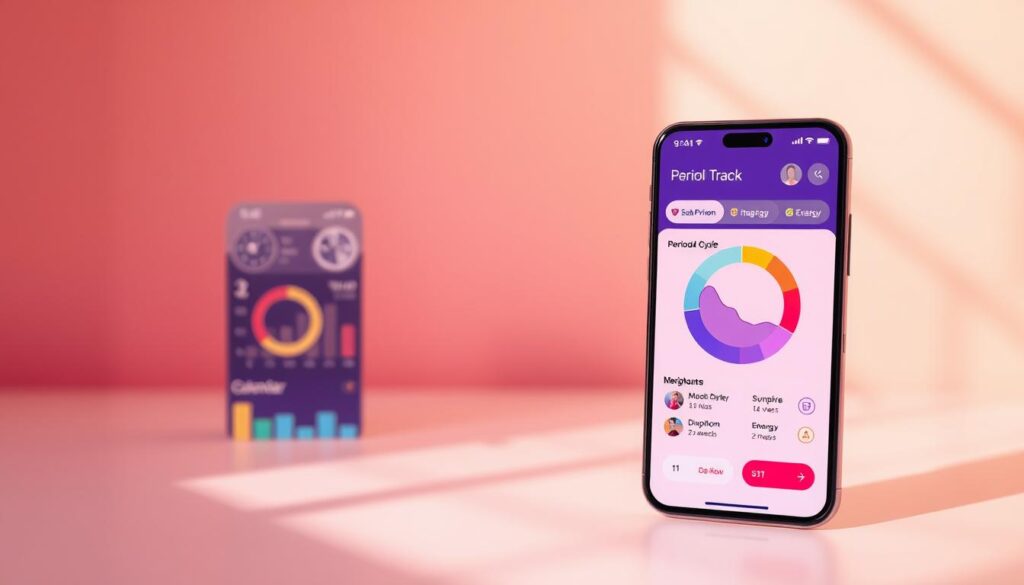
Custom Symptoms and Useful Reports
Look for an app that lets you record the symptoms you actually experience. Custom notes, symptom intensity ratings, and adjustable tracking categories are especially helpful.
Charts can make repeated patterns easier to see. Export features are useful when you want to share information with a clinician or keep a personal copy.
Wearable Connections and Privacy Controls
Some apps connect with Apple Health, Apple Watch, or other supported devices. These connections can reduce manual entry and add measurements such as sleep and temperature changes.
However, more measurements do not automatically mean better medical predictions. The app must use the information appropriately, and the device must be compatible.
| Feature | Why It Matters | What to Check |
|---|---|---|
| Custom symptom tracking | Captures your personal experiences | Mood, libido, sleep, pain, and custom notes |
| Trend reports | Helps identify repeated patterns | Charts, comparisons, and data exports |
| Wearable integration | Reduces manual recording | Supported devices and synced measurements |
| Privacy controls | Protects sensitive personal information | Storage, encryption, sharing, and deletion |
| Cost | Helps avoid unnecessary subscriptions | Free features, trial terms, and premium limits |
Best Period Tracking Apps for Mood, Energy, and Libido
There isn’t one perfect app for everyone. The following options serve different needs, from detailed analysis to quick daily logging.
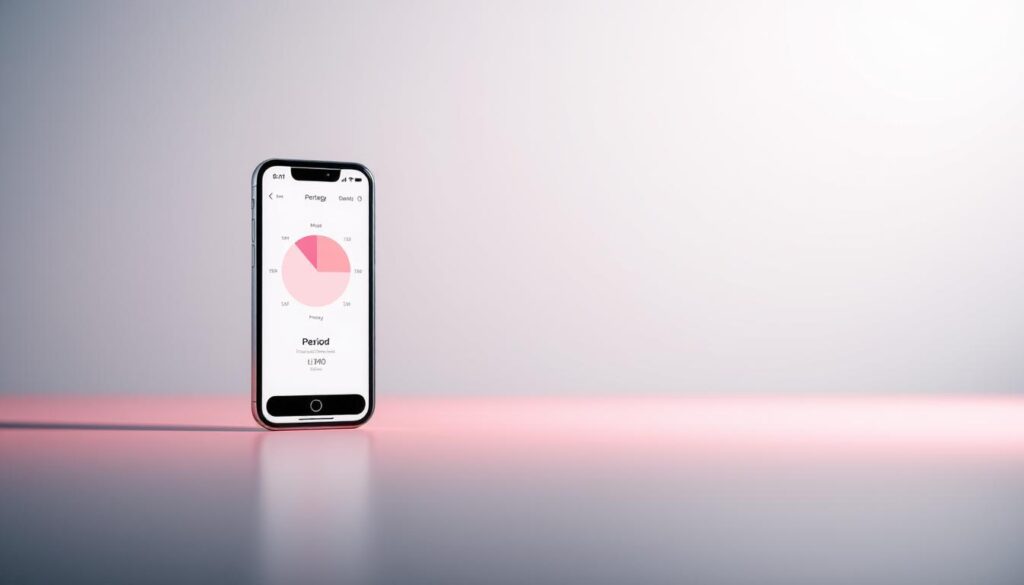
1. Clue: For Detailed Cycle Patterns
Clue is a strong choice if you want to understand how your symptoms change across cycles. It supports period tracking, feelings, pain, sex drive, and many other health experiences.
The app offers cycle predictions and educational content. Clue Plus adds deeper analysis, including expanded predictions and symptom charts. Its Doctor Report feature is also being introduced, although availability depends on your region, mode, and app version.
- Good for: Detailed cycle history, symptom patterns, and science-based explanations.
- Limitation: Some reports and advanced insights require a subscription or may not yet be available to everyone.
You can explore the tracking options through Clue’s official website.
2. Flo: For Broad Reproductive Health Tracking
Flo combines period predictions with symptom logs, educational guidance, fertility-related features, and pregnancy tracking.
It can be useful if you want several reproductive health tools in one place rather than switching between apps.
- Good for: Everyday period tracking, pregnancy-related guidance, and an accessible interface.
- Limitation: Some advanced insights and features require Flo Premium.
Flo also offers Anonymous Mode, which we discuss below. Its predictions are not an approved substitute for contraception.
3. My Calendar: For Simple Daily Tracking
My Calendar-style period trackers focus on quick entries, calendar views, reminders, and basic symptom records.
For someone who mainly wants to remember period dates, record a few symptoms, and receive reminders, this simpler approach may be enough.
- Good for: Beginners and people who prefer straightforward daily logging.
- Limitation: Basic calendar predictions are less useful for detailed fertility decisions or complex symptom analysis.
4. Life Period Tracker: For an All-in-One Health Diary
Life lets users record period dates, mood, energy, sleep, sexual activity, medication, and other health details.
It also includes fertility-related tracking, reminders, and optional premium features such as additional health trackers and data exports.
- Good for: People who want cycle records and everyday wellness notes together.
- Limitation: Premium features and AI-generated guidance do not replace medical evaluation.
5. Apple Health Cycle Tracking: For Apple Watch Users
Apple’s Cycle Tracking feature works through the Health app on iPhone and the Cycle Tracking app on Apple Watch.
You can log periods and symptoms, review predictions, and receive notifications. Compatible Apple Watch models can also collect overnight wrist temperature measurements.
According to Apple’s official guidance, Apple Watch Series 8 or later and Apple Watch Ultra models can use wrist temperature data to provide retrospective ovulation estimates. These estimates generally require data from about two menstrual cycles.
- Good for: Apple users who want convenient tracking without another complex app.
- Limitation: Ovulation estimates are retrospective, not guaranteed, and must not be used as contraception.
Privacy-First Period Apps: Embody, Bearable, and Flo
Menstrual health records can include highly personal information about sex, fertility, medications, and medical symptoms.
Before entering those details, understand where an app stores them and who may have access.

Embody: Local-First and Offline Tracking
Embody is worth considering if keeping cycle data on your device is a priority. Its privacy-first design stores and encrypts entries locally instead of routinely sending them to company servers.
The app also offers cycle education and symptom tracking. Optional encrypted backups are available, with additional features through membership.
The main trade-off is convenience. If you don’t maintain a recoverable backup, losing your device may mean losing your records.
Review Embody’s privacy policy and backup instructions before relying on it for long-term tracking.
Bearable: Symptom Correlations and Chronic Health Tracking
Bearable is a broader health tracking app that records mood, energy, symptoms, sleep, medication, and daily habits.
Its Impacts feature helps users explore correlations between recorded factors and symptoms. For example, you might compare headache severity with sleep quality or menstrual cycle phases.
Bearable also has an optional menstrual tracking feature, but its developer says this feature is being rolled out gradually. Unlike fertility-focused apps, Bearable does not aim to predict ovulation or future symptoms.
Bearable is not a local-only tracker. The company says user entries are encrypted and stored on servers in Europe, with controls for data deletion.
For more information, see Bearable’s menstrual tracking guide.
Flo: Anonymous Mode With Trade-Offs
Flo’s Anonymous Mode separates identifying details from health records. This gives users another option for controlling how their information is connected to their identity.
However, Anonymous Mode has limitations:
- Some account and sharing features become unavailable.
- Data recovery after losing or changing devices may not be possible.
- Exporting information through customer support is restricted.
- Certain wearable connections must be disconnected before enabling the mode.
Review Flo’s privacy guidance before activating it, particularly if keeping an export is important to you.
Can Cycle Apps Help With Pain, Mood, and Focus?
Some newer wellness apps go beyond recording symptoms. They offer guided breathing, educational exercises, or routines based on a user’s menstrual cycle.
These activities may help you manage daily stress or establish useful habits. However, an app should not promise that following a particular cycle phase will automatically improve focus, remove pain, or change your hormones.
Samphire: Cycle-Aware Routines and Neurostimulation
Samphire offers cycle and symptom tracking alongside guided wellness activities. It also connects with optional neurostimulation headbands.
These devices use mild electrical stimulation intended to affect brain activity. The company’s Nettle device has medical-device certification for certain menstrual symptoms in the UK and EU. Its Lutea model is offered as a consumer wellness device in the United States.
That distinction matters: A wellness device sold in the US should not be assumed to have FDA clearance to treat menstrual pain, PMDD, or another medical condition.
The company describes personalized sessions and ongoing research, but its marketing claims should not be treated as proof that every user will benefit.
If you simply want to monitor mood and energy, you don’t need a neurostimulation device. A standard tracker and a short daily journal may already provide the information you need.
Fertility Tracking: BBT, Ovulation Tests, and Natural Cycles
Tracking mood and energy can help you understand your daily experience. Tracking fertility, however, requires a different level of care.
Ovulation does not always happen on the same cycle day. This is why calendar estimates alone cannot reliably identify fertile days, especially when cycles vary.
How Basal Body Temperature Helps
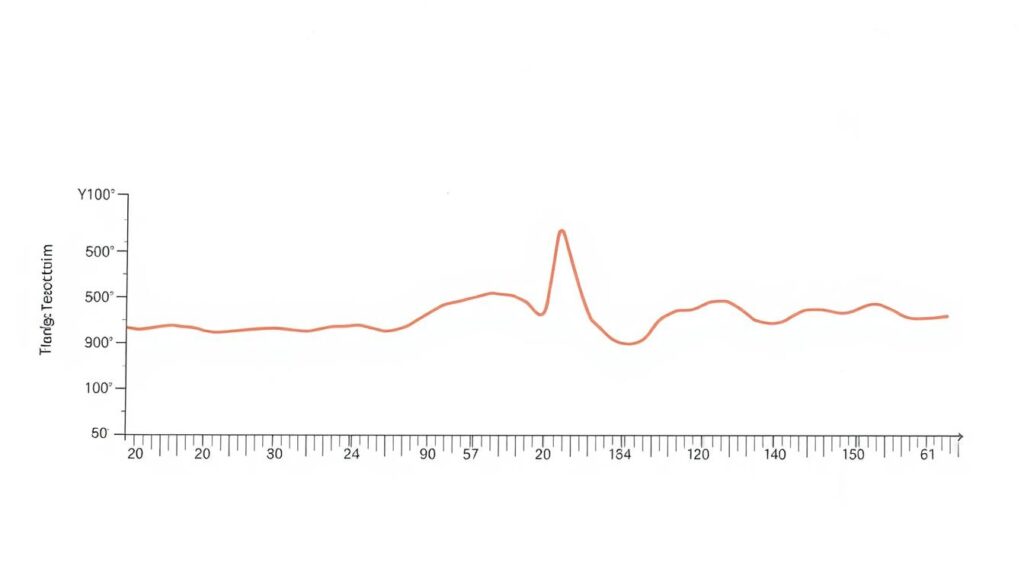
Basal body temperature (BBT) is your body’s temperature at complete rest. It generally rises slightly after ovulation because of progesterone.
Tracking that rise can support an estimate that ovulation has already occurred. It does not reliably predict ovulation in advance or confirm it with medical certainty.
If you’re tracking fertility, you may encounter two optional tools:
- Basal body thermometer: Measures small temperature changes when used consistently under the recommended conditions.
- Ovulation predictor tests: Detect a rise in luteinizing hormone (LH), which often occurs before ovulation.
These tools answer different questions. LH tests help identify a hormone surge that often comes before ovulation, while a sustained BBT rise helps interpret what may have happened afterward.
Neither guarantees that ovulation occurred. For everyday mood and period tracking, you can skip both.
Natural Cycles: An FDA-Cleared Contraceptive App
Natural Cycles differs from ordinary period trackers because its birth control function has FDA clearance.
It uses temperature measurements and menstrual cycle information to assign daily fertility status. Compatible measurement options include supported wearables, while users must follow the app’s instructions for obtaining and entering data.
The company reports:
- 93% effectiveness with typical use: About seven out of 100 users may become pregnant over one year.
- 98% effectiveness with perfect use: About two out of 100 users may become pregnant over one year.
These are contraceptive effectiveness figures, not the accuracy of an ovulation prediction on any particular day. They also depend on correctly following the method, including avoiding unprotected sex on fertile days.
Natural Cycles may be less suitable for some people with irregular cycles or unpredictable temperature patterns. It does not protect against sexually transmitted infections.
You can review the FDA’s birth control guidance and Natural Cycles’ effectiveness information before deciding whether the method fits your needs.
Which Period Tracking App Should You Choose?
The easiest way to choose is to focus on what you want to learn, rather than which app has the longest feature list.
| Your Main Goal | App to Consider | Main Advantage |
|---|---|---|
| Understand recurring cycle symptoms | Clue | Detailed tracking and cycle analysis |
| Combine period and pregnancy-related tracking | Flo | Broad reproductive health features |
| Record periods with minimal effort | My Calendar | Simple calendar and reminders |
| Maintain a broader health diary | Life | Multiple wellness tracking categories |
| Explore chronic symptom patterns | Bearable | Correlation tools and health records |
| Prioritize local-first data storage | Embody | Offline-focused encrypted storage |
| Track using an Apple Watch | Apple Health Cycle Tracking | Easy logging and supported temperature features |
| Use a cleared app for contraception | Natural Cycles | FDA-cleared contraceptive function |
Start with a free version when available. Check whether it supports the symptoms you want to track and whether the important reports require payment.
Also check your device compatibility. An app that syncs with your existing wearable may be more convenient, but you shouldn’t buy an expensive device just to collect data you don’t need.
How to Start Tracking Mood, Energy, and Libido
You don’t need a complicated routine. A few useful entries made consistently can tell you more than a long checklist you abandon after several days.
- Choose one app: Pick a tracker based on your main goal and privacy preferences.
- Enter your period dates: Record the first day of bleeding, flow changes, and when your period ends.
- Choose three symptoms: Start with mood, energy, and libido, or replace one with pain or sleep if it matters more.
- Use simple ratings: A low, medium, or high scale works well. Add short notes when something unusual happens.
- Record important context: Note poor sleep, illness, unusual stress, or medication changes that might explain a difficult day.
- Review after two or three cycles: Look for repeated patterns instead of drawing conclusions from individual days.
For example, if your energy seems lower before several consecutive periods, check whether poor sleep also occurred on those days. The cycle may be involved, but sleep and stress could be contributing factors.
A pattern is a clue, not proof of a hormonal cause. Use what you discover to make practical choices and ask better questions during medical appointments.
How Accurate Are Period and Mood Tracking Apps?
Period predictions usually rely on your previous cycle dates. When your cycles follow a fairly regular pattern, those estimates may help you plan ahead.
However, missed entries, irregular ovulation, illness, stress, postpartum changes, and changing hormone patterns can make predictions less reliable.
Do More Symptoms Make Predictions More Accurate?
More data can make your personal symptom history richer. It does not automatically improve ovulation predictions.
Mood, libido, and energy are influenced by many factors. They should not be treated as reliable biological tests of fertility or hormone levels.
Temperature changes and LH testing offer more direct information related to ovulation, although they have limitations too. Even wearable measurements can be affected by sleep conditions, illness, or inconsistent use.
When Should You Speak With a Healthcare Professional?
Don’t wait for an app to identify a problem if your symptoms are concerning.
Arrange a medical evaluation if you notice:
- New or worsening menstrual pain that disrupts daily life.
- Bleeding that regularly lasts longer than seven days.
- Cycles that suddenly become very irregular or periods that stop unexpectedly.
- Persistent low mood, severe anxiety, or emotional changes that interfere with normal activities.
- Repeated fatigue, dizziness, or other symptoms that may need assessment.
ACOG’s guidance on heavy menstrual bleeding also recommends seeking care for bleeding that soaks through a pad or tampon every hour for several hours. Heavy bleeding accompanied by faintness, chest pain, or shortness of breath can require emergency care.
Your symptom records can help explain what has been happening, but medical concerns should be evaluated based on symptoms rather than app predictions.
Frequently Asked Questions
Can a Period Tracking App Tell Me Why My Mood Changes?
It can help reveal when mood changes happen and whether they follow a repeated pattern. However, it cannot determine the cause on its own. Hormones, sleep, stress, medication, and mental health can all influence mood.
Which App Is Best for Tracking PMDD or Endometriosis Symptoms?
Bearable may be useful for detailed symptom correlations, while Clue offers structured cycle and pain records. Tracking can help with clinical discussions, but neither app can diagnose PMDD or endometriosis.
Can Libido Changes Tell Me When I’m Ovulating?
No. Some people notice increased sexual interest around certain cycle phases, but libido is too variable to reliably identify ovulation. Use appropriate fertility tracking methods if ovulation timing matters.
Are Free Period Tracking Apps Good Enough?
Often, yes. If you mainly want period dates, mood logs, and simple symptom records, a free app may be sufficient. Premium plans are more useful when you need additional reports, specialized tracking, or advanced analysis.
Can I Use My Apple Watch Instead of a Basal Thermometer?
Compatible Apple Watch models measure overnight wrist temperature trends. These measurements differ from a traditional oral BBT reading but can support certain cycle features and compatible app integrations. Follow the instructions for the particular app, especially when using a regulated fertility method.
Are Anonymous and Offline Period Trackers Completely Private?
No system offers an absolute privacy guarantee. Local storage can reduce certain cloud-related risks, while anonymous modes can limit links between your identity and health records. Device security, backups, permissions, and data-sharing settings still matter.
How Long Should I Track Symptoms Before Looking for Patterns?
Start reviewing your logs after two or three complete cycles. Several months of consistent records are generally more informative than a few isolated entries. If symptoms are severe or unusual, seek care without waiting to collect more data.
Conclusion: Choose a Tracker That Helps You Understand Your Body
The best period tracking app is the one that answers your questions without making daily logging difficult. Clue and Flo offer broad cycle features, Bearable helps with symptom correlations, Embody emphasizes data control, and Apple Health provides convenient tracking for compatible devices.
Begin by recording your period dates and a few important symptoms. Review your entries over several cycles and look for patterns you can use to plan your routine or discuss with your healthcare professional.
You don’t need to track everything, buy a wearable, or pay for advanced analytics to benefit from a simple health record. Consistent, useful entries matter more than the number of features an app offers.