

Have you noticed your cravings rise after long video calls—why does that happen?
Many people shifted to all-day screens during the pandemic, turning homes into constant work zones with fewer natural breaks. Seats and setup were often poor, so physical strain joined mental overload.
Small habit shifts cut cognitive load and lower urge-driven snacking. Simple moves—short movement breaks, phone-only calls for some meetings, hiding self-view, and pre-planned healthy snacks—help restore focus and calm.
This piece shows how digital overload fuels stress and why cravings spike, then gives research-backed steps you can use now. For quick somatic resets and micro-practices to ease tension between calls, see this gentle somatic exercises.
Key Takeaways
- All-day screens and poor ergonomics raise mental and physical strain.
- Short movement and water breaks reduce cognitive load and cravings.
- Switching some calls to audio eases sensory overload.
- Plan snacks and meeting buffers to avoid autopilot eating.
- Team norms—shorter meetings and clear facilitation—support health and focus.
What Zoom fatigue is and why video calls drain your brain
Video meetings tax attention because the brain receives fewer nonverbal cues and must work harder to fill in gaps. Constant gaze, delayed audio, and self-view amplify mental load, making zoom fatigue feel uniquely draining.

On camera, your eyes lock to a small rectangle of faces and often your own image. That steady gaze is unnatural and forces the brain to over-interpret reduced facial info.
Missing posture shifts and subtle gestures means more effort to decode intent and emotion. This raises cognitive load and makes long sessions feel harder than in-person chats.
Audio delays, trust, and multitasking costs
Even tiny audio lags change how turns and tone land. That friction lowers smoothness of communication and nudges listeners to work harder to follow information.
Switching between inboxes, chat windows, and notes fragments attention. Writing by hand during a meeting improves memory and steadies focus compared with fast tab-switching.
Physical strain and sedentary rhythms
Home setups often lack ergonomic chairs and screens at odd heights. Head, neck, and eye strain add to mental tiredness.
Brief movement breaks reset posture and boost alertness; regular activity links to about a 40% lower risk of overall fatigue.
| Issue | How it drains you | Quick fix |
|---|---|---|
| Constant camera gaze | Unnatural eye contact; extra social effort | Hide self-view; use plain background |
| Audio micro-delays | Reduced trust; disrupted flow | Pause slightly before replying; use phone audio if needed |
| Multitasking | Split attention; poor retention | Close tabs; take handwritten notes |
| Sedentary posture | Neck, back, eye strain; tiredness | Stand or walk for 3–5 minutes each hour |
How Zoom fatigue links to emotional eating
When virtual interactions feel low-reward and high-effort, the brain shifts priorities quickly. Food becomes an easy, immediate soothe when stress and uncertainty rise at home.
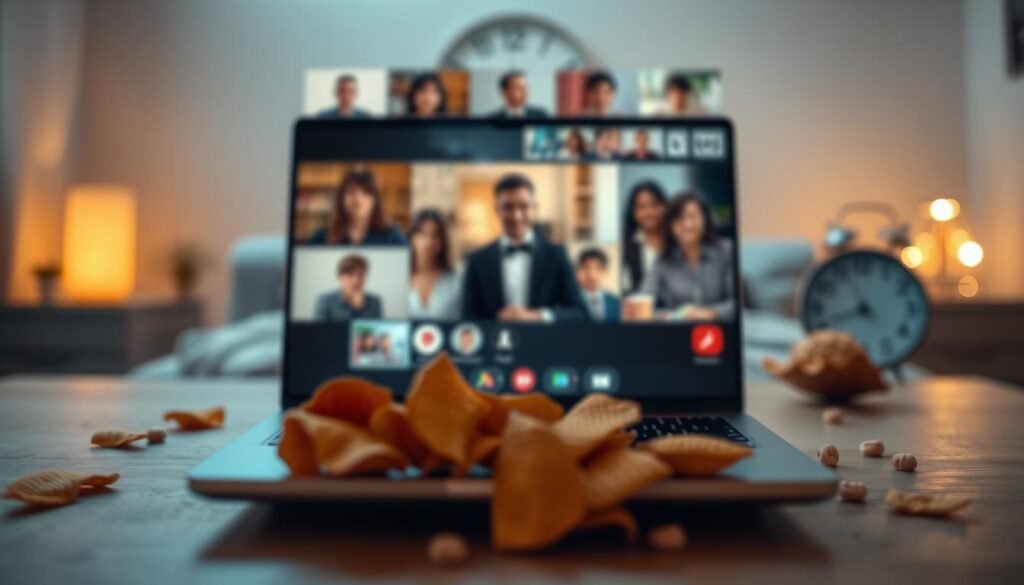
The brain runs a quiet rewards-cost calculation during social contact. On calls, reduced nonverbal cues and awkward eye contact cut perceived social reward while raising effort.
This drop in motivational energy makes quick-relief habits more appealing. After long stretches of calls, many people reach for salty or sweet snacks to regain energy and calm.
The physics of comfort: what the body does next
- Low reward, high effort: less activation in ACC and ventral striatum on screens.
- Home stress adds fuel: privacy limits, distractions, and uncertainty amplify cravings.
- Small wins help: sip water, eat a protein-rich snack, or take a 5-minute walk before grazing.
| Cause | Brain effect | Quick fix |
|---|---|---|
| Fewer facial cues | Lower social reward | Hide self-view; use smaller gallery |
| Back-to-back calls | Rising mental effort | Schedule 5-min breaks |
| Home distractions | Higher perceived stress | Set clear work boundaries |
Example: After a long block with audio hiccups and constant self-monitoring, try water first, then a fiber-rich snack to steady energy.
For personalized routines that match your body, consider taking this exercise for your hormone type.
Zoom Fatigue and Emotional Eating in the U.S.
During the pandemic, work and home blurred at scale and changed how people cope with daily strain. That convergence raised exhaustion and nudged many toward quick comfort foods as an easy, available response.
Pandemic-era pressures pushed unemployment, school closures, and social isolation into the same timeline as mass remote work. Many people lost commute buffers and casual in-person interactions that once reset energy.
U.S. workers faced high meeting loads while managing job uncertainty and childcare. That mix increased stress and reduced access to social support.
Economic strain and loneliness are strong biopsychosocial factors that compound mental load and raise the chance of stress-driven snacking.
Homes as offices: “living headshots,” privacy limits, and constant availability
With more video obligations, private space shrank and many felt like a continuous on-screen presence. This persistent visibility made breaks harder and increased sensory wear.
Tight living space meant noise, family needs, and snacks within reach — small triggers that add up across a long day of calls and tasks.
- Work compressed with home life: roles overlapped and recovery points disappeared.
- Higher video volume: thinner social reward and more mental effort per meeting.
- Result: quick comfort foods became a predictable, understandable coping pattern.
For deeper context on stored stress and somatic release, see this somatic work primer and recent research summaries at Frontiers in Psychology.
Recognize the signs: symptoms to watch for during your day
Catch early signs—eye strain, headaches, irritability—before they snowball. Notice cravings during calls and mindless snacking patterns to break the fatigue-food loop.
A few simple signals during meetings can tell you when your brain and body need a break. Track these quick cues so you can act fast and protect your health.

Common meeting indicators
- Frequent rubbing of the eyes, blurred vision, or dry feeling after long screen time suggests lighting or screen strain.
- Headaches, neck tension, or irritability often follow static postures and long blocks of calls.
- Trouble recalling key points from recent sessions signals cognitive overload, not a lack of effort.
Signs of eating linked to overload
- Cravings that hit mid-call or right after often reflect fatigue plus stress rather than hunger.
- Grazing between meetings with little awareness marks a habit loop tied to relief seeking and guilt cycles.
- Feeling guilty after snacking is a cue to adjust break plans, not to self-criticize.
If focus dips at similar times each day, set a water and movement micro-break 10 minutes earlier. Keep one page of handwritten call notes to reduce multitasking and improve memory. For deeper reading on work-from-home burnout, see this work-from-home burnout guide, and consider insights from a 7-day dopamine detox experiment for habit resets.
If physical strain persists, adjust lighting, elevate your laptop, and swap to a chair with lumbar support to protect long-term health.
Reduce fatigue on video: research-backed tweaks you can make today
Design lighter video calls by default—shorter slots, phone-only when fit, and clear buffers. Reduce visual clutter, protect attention, and add micro-breaks to drop fatigue fast.
C tiny meeting design shifts—shorter slots, fewer faces onscreen—deliver real relief backed by research. Start by switching status updates or quick syncs to phone-only to lower visual load while keeping audio clarity for decisions.

Skip default video: choose audio when it fits
Make calendar defaults 25 or 50 minutes so you can stand, stretch, or refill water between meetings. For longer agendas, allow camera-off intervals and rotate speakers to keep engagement without constant on-screen strain.
Tame visual overload
Hide self-view and use plain backgrounds to cut visual scanning and self-monitoring. Limit on-screen faces to essential participants to reduce cognitive load during a call.
Protect attention and build micro-breaks
Close extra tabs, silence notifications, and avoid double screen duty to preserve retention. Take handwritten notes to lock in key points.
Add 30–60 second gaze shifts every 5–10 minutes and a quick stretch routine between meetings—shoulder rolls, neck mobility, or a short hallway walk.
Protect your home-work boundaries to lower stress eating
Simple environmental cues mark “work off” and help curb stress eating. Prepped water, smart snacks, and micro-movement protect energy and mood.
Set clear end-of-day cues so your brain recognizes when work stops and home life resumes. A brief shutdown ritual reduces role overlap and lowers automatic reaching for snacks.
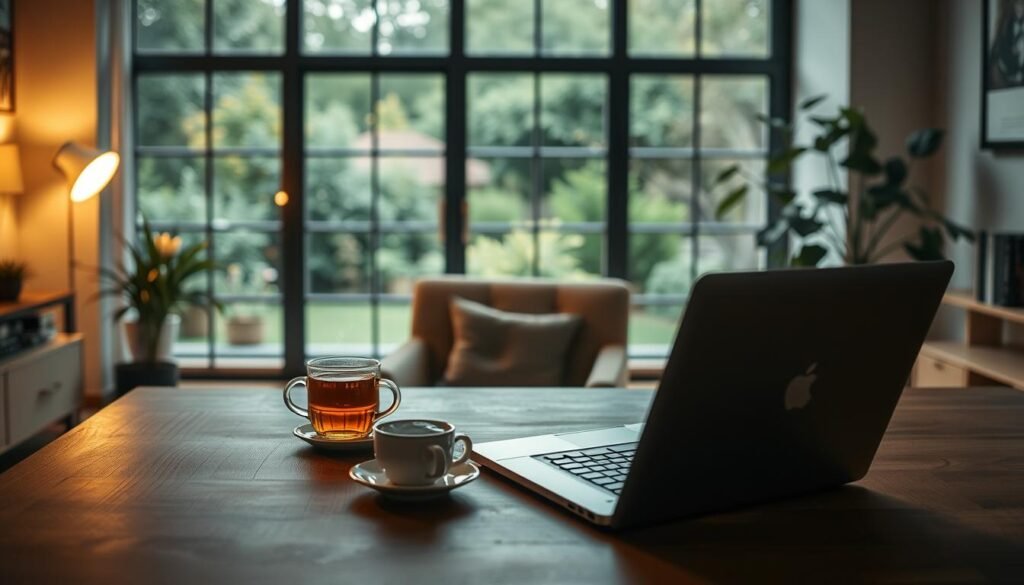
Create space cues: change lighting, playlists, and desk props after work
Dim lights, switch to a relaxing playlist, clear mugs, and place a non-work object on your desk. These shifts signal a new time and ease mental carryover.
Use a folding screen, curtain, or tablecloth to hide work gear and define a living space for personal life.
Plan nourishing breaks: water within reach, prepped snacks, and movement snacks
Keep a clear water bottle nearby and sip before you snack. Prep simple options like Greek yogurt with berries, hummus and carrots, or nuts with fruit to avoid sugary grabs.
Schedule two 5-minute movement breaks—walk a hallway, do squats, or step outside for a minute away from the screen.
| Action | Why it helps | How to do it |
|---|---|---|
| Shutdown ritual | Signals role change | Dim lights, change playlist, clear desk |
| Water-first rule | Distinguishes thirst from hunger | Drink 8 oz before snacking |
| Movement snacks | Restores focus and energy | Two 5-minute bursts daily |
| Visual boundary | Reduces constant alertness | Use screen or cloth to hide gear |
Block time on your calendar for lunch and a short walk. For more on somatic stress and recovery, see this somatic stress review.
Team norms that beat Zoom burnout in business settings
Set norms that lower load—right channel, shorter meetings, clear facilitation. Opt-in socials and predictable turns protect people’s energy without losing connection.
When teams agree on simple meeting norms, conversations flow better and stress drops fast. Start with a short team charter that spells out channel use, facilitation, and optional social time. These small rules save time and protect focus during a busy workday.
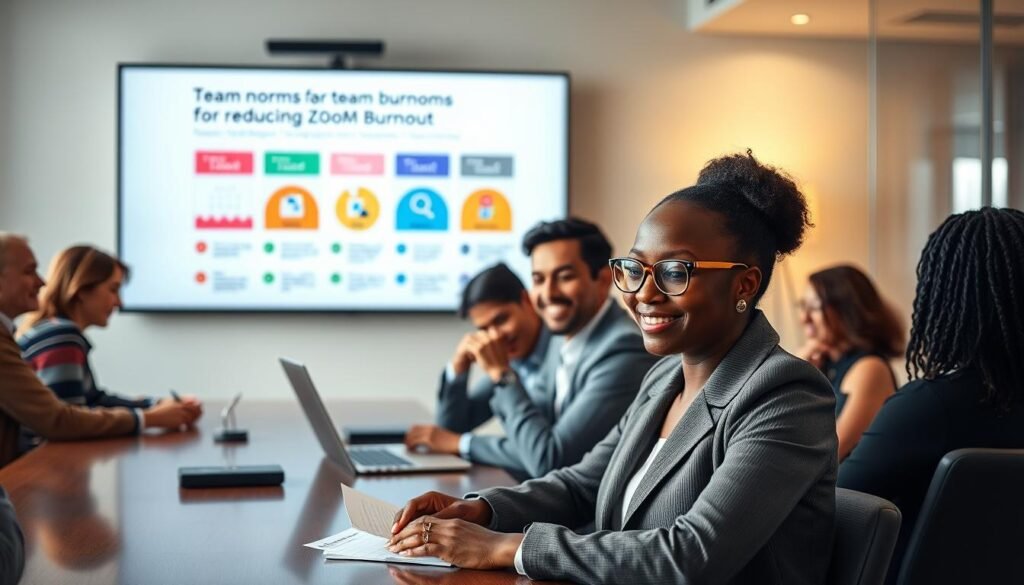
Make nonessential socials opt-in so people can skip without pressure after heavy video days. Assign a facilitator to open with goals and guide turn-taking to cut crosstalk and save time.
Use the right channel: email/Slack for updates, phone for quick check-ins
Route status updates to email or Slack and reserve synchronous time for decisions and blockers. Offer phone for many one-on-ones to reduce screen load while keeping rapport high.
| Norm | Why it helps | How to implement |
|---|---|---|
| 25/50-minute meetings | Protects movement breaks | Default calendar slots with 10-minute buffers |
| Facilitator-led calls | Reduces crosstalk | Start with goals; end with 2-min recap |
| Channel-first updates | Saves synchronous time | Email/Slack for status; calls for decisions |
| Shared action doc | Clear ownership; fewer follow-ups | One live document for owners and deadlines |
Research shows focused communication improves outcomes and morale. For more on practical routines, listen to a leadership podcast on team habits or explore tips on timing work and sleep for productivity at chronotype productivity.
Your quick-start action plan
Make two measurable edits now to cut visual load and steady your day. These moves free attention fast and give you a clear way to test relief over a single work day.
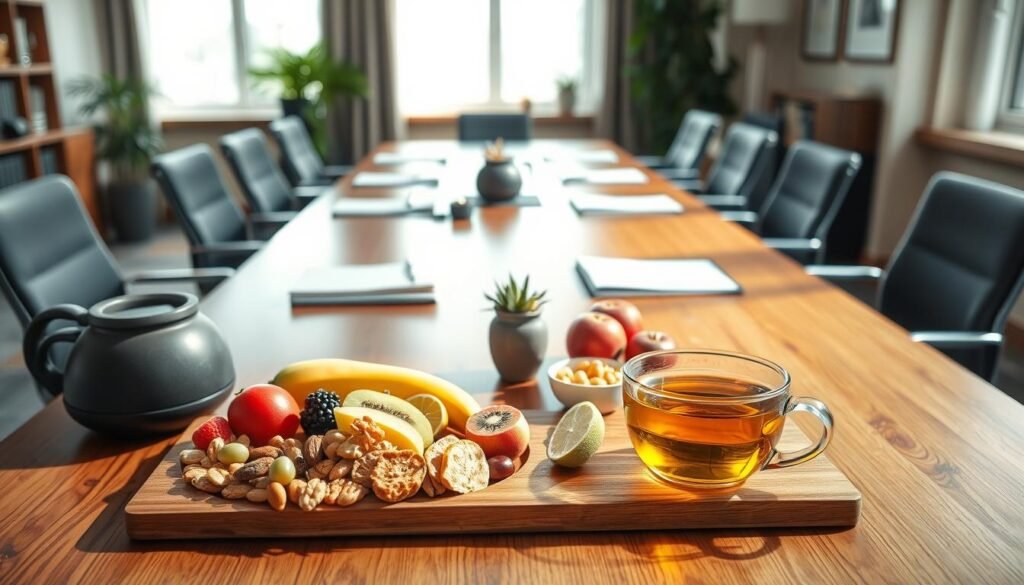
Today: switch one meeting to audio-only and hide self-view
- Do this now: ask to handle one update by phone and keep handwritten notes to boost focus during the call.
- Hide self-view in your next session to cut appearance monitoring and lower cognitive load.
This week:
This week: enforce 10-minute buffers and prep two healthy “meeting snacks”
- Add 10-minute buffers after your two longest meetings so you can stand, stretch, and hydrate.
- Prep two protein-plus-produce snacks for heavy video calls to curb reactive grazing.
- Convert one recurring status to a 25-minute slot with a tight agenda and fast recap.
- Batch chat checks at set times and try a camera-off segment once to observe the impact.
- End each day with a two-minute desk reset and track how you feel by day’s end.
For practical fixes and deeper reading, explore a guide on real remedies for meeting strain at real remedies for meeting strain and affordable tools that support focus at biohacking tools under $50.
Conclusion
Zoom fatigue is real—but manageable with small, consistent adjustments across your tools, schedule, and space. Protect attention, restore recovery, and your eating choices will feel easier and more intentional.
Practical shifts cut brain strain from long video days. Design lighter meetings, move some calls to audio, and hide self-view when you can.
Reduce screen and computer stress with brief movement, ergonomic tweaks, and planned eye breaks. Keep communication simple: match the channel to the task and keep conversations short and focused.
Quick example: Hide self-view, add a 10-minute buffer, and take the next one by phone — a simple trio that eases interactions, lowers exhaustion, and helps you feel better fast.
FAQ
What causes video-call exhaustion and why does it feel different from regular tiredness?
Prolonged video interactions demand intense visual focus, constant self-monitoring, and higher mental effort to read limited nonverbal cues. Audio delays and screen-based multitasking add cognitive load, producing a distinct, sorely depleted feeling that includes eye strain, headaches, reduced attention, and social weariness.
How can a meeting’s visual setup increase strain?
Crowded gallery views, constant self-view, and busy backgrounds force your brain to process many faces and microexpressions at once. That visual overload plus forward-leaning posture for camera framing creates eye, neck, and shoulder tension and drains energy faster than an equivalent in-person chat.
Why do video-heavy workdays sometimes lead to overeating at home?
When social rewards from calls feel low but effort is high, stress and fatigue rise. People often turn to quick comfort foods for short-term relief, especially in a home setting where snacks are nearby and breaks are blurred with work time, making mindless eating more likely.
Which behaviors signal that screen-induced stress is triggering compulsive snacking?
Watch for cravings that spike during or right after calls, repetitive grazing without awareness, eating to calm anxiety, or feeling guilty afterward. Those patterns, especially when paired with sleep changes or irritability, suggest stress-driven food use rather than hunger.
Try hiding your self-view, use audio-only when suitable, shorten meetings to 25–50 minutes, and limit on-screen participants. Close unrelated tabs, mute notifications, and build short movement breaks between sessions to reset attention and energy.
How should I set home boundaries to prevent stress-driven eating?
Create physical and sensory transitions between work and personal time—change lighting, play a playlist, or move to a different chair. Keep water and planned, nutrient-dense snacks within reach and schedule brief walks or stretching to replace eating as an emotional coping tool.
What workplace norms help teams reduce collective burnout?
Establish clear rules: opt-in social calls, predictable facilitation, and turn-taking. Encourage asynchronous channels like email or Slack for updates and reserve phone or short audio calls for quick check-ins to cut unnecessary video load.
Which small daily habits lower both screen strain and urge to snack?
Build micro-breaks every 25–50 minutes to stand, look away, or stretch. Prepare two healthy meeting snacks and a water bottle at your desk. These cues shift your response to stress from grazing to short movement and hydration.
Are there specific meeting formats that reduce cognitive cost?
Yes. Make meetings shorter, with clear agendas and defined roles. Use audio-first options, limit on-camera time to presentations or final discussions, and rotate facilitation to distribute effort and attention demands.
How quickly can I expect to feel better after changing video habits?
Many people notice reduced eye strain and clearer focus within a few days of applying camera and scheduling changes. Emotional eating patterns may take a few weeks to shift as you reinforce new breaks, boundary cues, and snack planning—consistency matters.